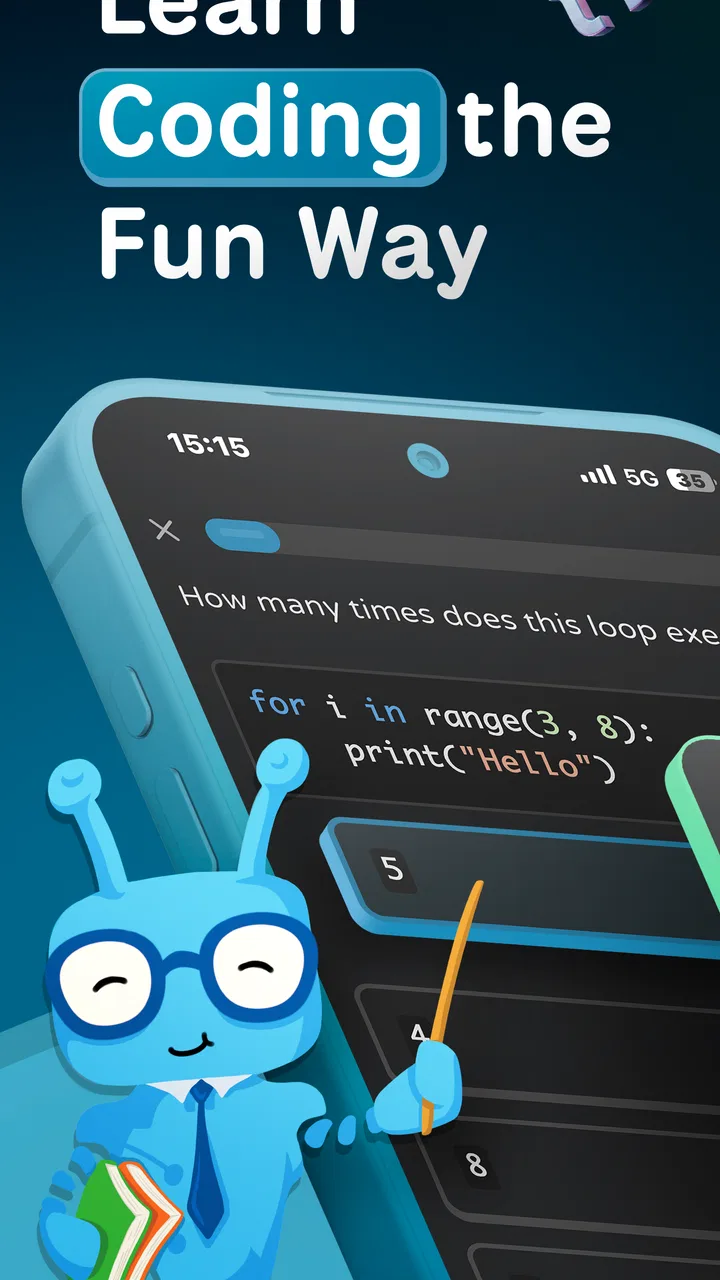
Coddy: Learn Coding & Python
- 4.8
- Rating
- 100.00K
- Installs
- Free
- Price

 Analysis by App-foxy
Learning to code on a phone sounds convenient until the first small obstacle appears: a lesson does not open, an exercise feels too difficult, or a useful topic seems to be behind a purchase. I spent time looking at Coddy: Learn Coding & Python with that practical question in mind: does it make coding easier to start and easier to continue, or does it simply place a long list of programming subjects on a small screen?
My overall impression is positive, especially for beginners who want guided practice rather than a blank editor. Coddy is an education app from Coddy, offered free to install, with a 4.8 average from around 6,300 ratings and more than 100,000 installs. It is aimed at everyone, and its current version is 1.2.16 for devices running operating system 11 or later. Those details make it look approachable, but the real test is how well it fits into everyday learning.
Getting past the first points of friction
The biggest trap with a coding app is expecting the first session to feel like a complete course. Coddy covers Python, JavaScript, artificial-intelligence prompts, SQL, HTML, CSS, and more than eighteen languages, so the breadth is useful but can also make the starting point feel less obvious. I would not begin by opening several languages at once. I would choose one practical target, such as learning Python basics or understanding how a web page is built, and stay with it long enough to form a routine.
You May Also Like

 Blood Strike: 2.5 Anniversary
Blood Strike’s Loadouts Turn Every Drop Into a Tactical Gamble
A close look at Blood Strike’s custom loadouts: how fast access to signature weapons reshapes its battle royale rhythm, rewards preparation, and narrows the gap between fights.

 Pandora - Music & Podcasts
Pandora’s Music Is Easy to Start, but Harder to Recover
Pandora’s strength is its low-effort path from a seed to a station. Its weak spot is how much confidence it asks you to place in connection, setup, and quiet recovery.

 8 Ball Pool
 Is Built on Rivalries, Rematches, and Routine
A close look at the rivalries, rematches, shared routines, and unanswered safety questions that turn a quick pool match into a persistent mobile community.

 Samsung Music
’s Quiet Strength Is Playing What You Already Own
Its reach comes less from spectacle than from dependable access to a personal library. That simplicity is both the app’s strongest retention engine and its ceiling.

 AccuWeather: Weather Radar
AccuWeather Review: A Quick, Clear Forecast for Everyday Decisions
For everyday plans, the best forecast is the one you can understand quickly. AccuWeather makes rain timing, radar, and local conditions easy to act on, with a few trade-offs.

 Hill Climb Racing
Why Hill Climb Racing Still Turns Crashes Into One More Run
A tiny car, a bumpy hill and one more upgrade: Hill Climb Racing keeps resurfacing because its simple chaos makes every near-miss feel personal.
More From Our News Desk
View All News


That choice matters because programming concepts overlap, but their syntax does not always behave the same way. A beginner who jumps from Python to JavaScript and then to SQL may confuse the role of variables, conditions, queries, and page markup. Coddy is more useful when treated as a guided path instead of a catalogue. The app can introduce the subjects, but the learner still needs to decide what “progress” means.
Another common sticking point is assuming that a lesson title tells you exactly how demanding it will be. A short exercise can still require careful reading, and a familiar-looking topic can expose a gap in basic logic. When I get stuck in a learning app, I first reread the task and identify the exact output or action being requested. That simple habit is more effective than repeatedly tapping an answer and hoping the app reveals the idea.
The most useful beginner strategy is to separate understanding from speed. I would rather spend several minutes explaining to myself why a condition works than rush through a sequence of correct-looking answers. This is particularly important with Python, where early ideas such as variables, indentation, loops, and functions become the foundation for almost everything that follows.
What makes the mobile format useful
A phone-based lesson is well suited to small gaps in the day. I can imagine using Coddy while waiting for an appointment, during a commute, or after dinner when opening a laptop feels like too much effort. The advantage is not that a phone replaces a full development environment. It is that the app lowers the effort needed to revisit one concept.
This creates a good use case for review rather than ambitious project work. I would use a short session to revisit a loop, test my understanding of a SQL idea, or compare the structure of HTML and CSS. I would not rely on a mobile lesson alone to build a large application, manage multiple files, or learn professional development tools. The smaller screen is an advantage for focused practice and a limitation for extended coding.
The wide subject range also gives the app value for people who are still choosing a direction. Someone interested in websites can explore HTML, CSS, and JavaScript. Someone curious about data can investigate SQL. A learner who wants a general programming foundation can begin with Python. That flexibility is helpful, but it makes self-direction important. If you need a single, tightly sequenced curriculum with a defined end goal, a specialist course may feel more comfortable.
Checking the device before blaming the lesson
Before treating a loading problem as an app failure, I would check the basics. The device needs to run operating system 11 or newer, and an older phone may be the real reason installation or updating does not go smoothly. I would also make sure the app has finished updating, restart it after an update, and confirm that the phone has enough free space for normal operation.
These checks sound ordinary, but they prevent a lot of wasted troubleshooting. If the app opens but a lesson behaves strangely, closing other demanding apps and reopening Coddy is a sensible first step. If only one activity appears affected, I would leave that lesson, open another topic, and return later. That helps distinguish a temporary screen problem from a misunderstanding of the exercise.
I would also avoid judging the whole learning experience from a single interrupted session. A weak connection, a busy device, or an incomplete update can make an otherwise useful lesson feel unreliable. The safest approach is to test the same action again after restarting the app. If the problem remains limited to one lesson, note its title and the exact step where it occurs rather than repeatedly guessing.
There is another setup question that matters to families: the app is rated for everyone, but that does not mean every coding topic will feel equally easy for every child. Younger learners may still need an adult to explain programming vocabulary and help them choose a realistic path. The age label describes suitability, not guaranteed comprehension.
Building a workflow that survives interruptions
My preferred way to use Coddy would be to create a small learning loop: choose one subject, complete a manageable lesson, write down one idea in my own words, and then return to that idea later without looking at the answer. The note can be as simple as “a loop repeats instructions” or “CSS changes presentation while HTML describes structure.” The act of recalling the concept is more valuable than merely recognizing it on the screen.
This is where the app can be stronger than a collection of random coding videos. A video may explain an idea clearly, but it is easy to watch passively. A guided exercise asks me to make a decision. If I get the answer wrong, that mistake tells me what I have not understood yet. For a beginner, that active step is the difference between feeling familiar with programming and actually being able to use a basic concept.
For a realistic everyday scenario, imagine a student with twenty minutes before class. I would open Coddy, continue with one Python topic, and stop after reaching a natural checkpoint rather than starting a second language. Later that evening, I would try to describe the exercise without opening it. If I could not explain the role of each line, I would repeat the lesson the next day. This routine is modest, but it is more sustainable than promising myself a long study session that never happens.
When a workflow breaks, I would recover in stages. First, return to the last concept that felt clear. Second, attempt one easier exercise or review an earlier lesson. Third, write a tiny example in a notebook or another editor. That third step is important because it checks whether I understood the idea or only recognized the expected answer inside the app.
For web topics, I would keep a simple mental separation between HTML and CSS. HTML gives a page its content and structure; CSS controls how that structure looks. For SQL, I would focus on what information a query is asking for before worrying about exact syntax. For Python or JavaScript, I would read errors as clues about the line and the kind of value involved. These habits turn Coddy into a starting point for transferable thinking rather than a place where answers are memorized.
Choosing free access carefully
Coddy is free to use in the store, while in-app purchases range from $14.99 to $159.99 per item. That is a meaningful consideration before committing to a long learning plan. I would begin with the freely available material and decide whether the teaching style, exercise format, and subject selection suit me before considering any purchase.
I would also avoid paying simply because a locked topic looks interesting. The right question is whether the material supports a specific goal I already have. If I want to understand basic Python for personal automation, I should first establish that I enjoy the app’s explanations and can maintain a routine. If my goal is a formal qualification or a job-ready portfolio, I would compare the cost with a structured course, documentation, and project-based practice rather than assuming more lessons automatically mean better preparation.
The purchase range also means the app may fit different learners differently. Someone exploring programming casually may prefer to stay with the free experience. Someone who has identified a clear path may see value in paying for additional learning content. I would make that decision only after checking what the selected purchase includes on the device and account being used, and I would keep the learning objective specific.
When a problem belongs to the learner, the device, or the app
Not every frustrating result is a technical defect. If an exercise rejects an answer, the issue may be punctuation, capitalization, indentation, or the exact format expected by the task. In programming, a single character can change the meaning of a line. I would compare the answer with the lesson’s wording and check whether I answered the requested question rather than a related one.
On the other hand, a technical problem usually has a different pattern. If the app closes unexpectedly, a screen remains blank, or the same lesson fails after a restart, I would record the device version, app version, lesson name, and repeatable steps. Coddy’s current version is 1.2.16, so checking that the installed build is current is worthwhile before drawing conclusions. Clear notes are much more useful than saying only that “coding does not work.”
Network conditions can also confuse the diagnosis. If one lesson opens and another does not, try again later and compare the behavior. If the same failure appears across several areas, restart the connection and the app before changing anything more complicated. I would not delete the app as a first reaction, especially if I have built a learning routine around it. Reinstalling can be a last resort after simpler checks have failed, and I would make sure I know how my progress is handled before doing so.
There is a human cause as well: fatigue. Coding exercises become much harder when I am trying to learn after a long day and treating every wrong answer as evidence that I am not suited to programming. A short break, a return to an earlier concept, or a switch from new material to review can restore progress. The app can guide practice, but it cannot replace patience or a clear study goal.
How it compares with ordinary alternatives
Compared with a book, Coddy is more immediate. A book is better for slow reference, detailed explanations, and reading away from a screen, while the app is better when I want a prompt and an exercise without preparing a full study setup. Compared with video courses, it encourages more active participation, although a video may provide richer visual demonstrations of a complete project.
Compared with a desktop coding environment, the app is less suitable for building and organizing substantial software. A desktop editor gives me more room to inspect files, run longer programs, and understand how a project fits together. Coddy’s advantage is the lower barrier to a short practice session. I see it as a companion to real coding rather than a replacement for writing projects outside the lesson.
Compared with a narrowly focused Python course, its support for JavaScript, AI prompts, SQL, HTML, CSS, and many other languages is both a strength and a possible distraction. The breadth helps a curious learner explore. It is less ideal for someone who already knows exactly which professional stack they need and wants deep specialization immediately.
Who should use it and who should look elsewhere
I would recommend Coddy to a complete beginner who wants structure, a curious learner comparing programming areas, or a busy person who needs short study sessions. It is also a reasonable choice for someone who learns best by answering prompts instead of reading long chapters. The everyone rating makes it approachable for a broad audience, though children and younger teens may benefit from guidance when the terminology becomes abstract.
I would be more cautious if you already write programs comfortably and need advanced debugging, collaboration, software architecture, or a full project environment. The app may still work as a quick refresher, but it should not be your only tool. I would also look elsewhere if you dislike learning on a phone, want a single deep curriculum with no choices, or need a guaranteed path toward a particular professional exam.
One practical advantage is that the app’s popularity gives a new learner some reassurance: it has around 6,300 ratings and more than 100,000 installs. I do not treat those figures as proof that it will suit everyone, but they suggest that the format has reached a meaningful audience. The better test is whether I can complete a few sessions, explain what I learned, and return without feeling lost.
My practical verdict after weighing the trade-offs
Coddy works best as a friendly entry point and a structured practice companion. Its combination of programming subjects, mobile access, and guided exercises makes it easier to begin than opening a blank coding editor. I especially like the possibility of using it for focused review: one concept, one exercise, one short explanation in my own words.
Its limitations are just as important. A phone cannot provide the same workspace as a computer, broad coverage can encourage unfocused browsing, and paid items deserve a careful decision because the listed purchase range is substantial. Technical friction should be checked methodically, but learning friction should not automatically be blamed on the app. Sometimes the right fix is choosing one language, stepping back to an easier concept, or giving the idea time to settle.
For me, the recommendation is clear but specific: use Coddy if you want a low-pressure way to start coding and you are willing to practice consistently. Begin with one path, test the free experience, keep notes, and move important concepts into small projects outside the app. If you need deep specialization or professional development tools from the first day, choose a more focused course or desktop setup instead. Coddy is most valuable when it helps you take the next small coding step, not when you expect it to be the entire journey.
FAQs for Coddy: Learn Coding & Python
01What is Coddy: Learn Coding & Python?
Coddy: Learn Coding & Python is an educational app designed to help users learn the fundamentals of coding, with a focus on Python programming. It offers interactive lessons, quizzes, and coding challenges suitable for beginners and those looking to enhance their skills. The app provides a user-friendly interface and step-by-step tutorials.
02Is Coddy suitable for absolute beginners?
Yes, Coddy is specifically designed with beginners in mind. It starts with the basics and gradually introduces more complex concepts, making it accessible for users with no prior coding experience. The interactive lessons and hands-on exercises help reinforce learning and build confidence in coding.
03Does Coddy offer any certification upon completion?
Currently, Coddy does not offer official certifications upon completing its courses. However, users gain valuable coding skills and experience that can be applied in real-world projects. The app focuses on practical knowledge and skill development rather than formal certification.
04Is there a cost associated with using Coddy?
Coddy offers a free version with limited content, but users can access additional features and comprehensive lessons through in-app purchases or a subscription. Pricing details can be found within the app, offering flexibility for users to choose the level of access that suits their learning needs.
05What devices and operating systems support Coddy?
Coddy is available for both Android and iOS devices, making it accessible to a wide range of users. It requires minimal system requirements, ensuring smooth performance on most smartphones and tablets. Users can download Coddy from the Google Play Store or Apple App Store.
Pros
- User-friendly interface for beginners.
- Comprehensive coding challenges.
- Interactive Python tutorials.
- Offline mode available.
- Regular updates with new content.
Cons
- Limited advanced coding topics.
- Occasional app crashes reported.
- Some features require premium.
- In-app ads can be intrusive.
- No support for other programming languages.

Coddy: Learn Coding & Python
Gallery